 Milan Vasarhelyi - SmoothWork
 This workflow corresponds to n8n.io template #7842 — we link there as the canonical source.
This workflow follows the Agent → Chat Trigger recipe pattern — see all workflows that pair these two integrations.
The workflow JSON
Copy or download the full n8n JSON below. Paste it into a new n8n workflow, add your credentials, activate. Full import guide →
{
"meta": {
"templateCredsSetupCompleted": true
},
"nodes": [
{
"id": "a2377685-248f-49b0-8e6c-7752bd88bf90",
"name": "Public Chat Trigger",
"type": "@n8n/n8n-nodes-langchain.chatTrigger",
"position": [
736,
96
],
"parameters": {
"public": true,
"options": {}
},
"typeVersion": 1.1
},
{
"id": "ef9f0152-51b1-4c8c-96cf-d606c2426c37",
"name": "AI Agent Orchestrator",
"type": "@n8n/n8n-nodes-langchain.agent",
"position": [
960,
96
],
"parameters": {
"options": {}
},
"typeVersion": 2
},
{
"id": "5d07dcb9-d557-4bca-b13e-96774522db57",
"name": "LLM - OpenAI Chat (gpt-4.1-mini)",
"type": "@n8n/n8n-nodes-langchain.lmChatOpenAi",
"position": [
928,
320
],
"parameters": {
"model": {
"__rl": true,
"mode": "list",
"value": "gpt-4.1-mini"
},
"options": {}
},
"credentials": {
"openAiApi": {
"name": "<your credential>"
}
},
"typeVersion": 1.2
},
{
"id": "ae3f94ba-9bdd-43b7-86bd-6a6b4c953300",
"name": "MCP Server - Claude Desktop Bridge",
"type": "@n8n/n8n-nodes-langchain.mcpTrigger",
"position": [
816,
576
],
"parameters": {
"path": "7a131c2c-5b3b-4a99-9319-f3aebadcf451"
},
"typeVersion": 2
},
{
"id": "f6c4b082-0ba8-4d8e-b39c-249d7bb99992",
"name": "AI Tool - QBO Customers",
"type": "n8n-nodes-base.quickbooksTool",
"position": [
1024,
784
],
"parameters": {
"filters": {},
"operation": "getAll",
"returnAll": true
},
"credentials": {
"quickBooksOAuth2Api": {
"name": "<your credential>"
}
},
"typeVersion": 1
},
{
"id": "ed8020d3-db2c-4d9a-a8fe-e5d10767ea3a",
"name": "MCP Client Tool",
"type": "@n8n/n8n-nodes-langchain.mcpClientTool",
"position": [
1120,
320
],
"parameters": {
"options": {}
},
"typeVersion": 1
},
{
"id": "contact-note-1759910018482",
"name": "Creator Contact Info",
"type": "n8n-nodes-base.stickyNote",
"position": [
36,
-255
],
"parameters": {
"color": 5,
"width": 600,
"height": 440,
"content": "# Contact Us:\n## Milan @ SmoothWork - [Book a Free Consulting Call](https://smoothwork.ai/book-a-call/)\n\n\n\n### We help businesses eliminate busywork by building compact business tools tailored to your process.\n### Contact us for customizing this, or building similar automations.\n\n\ud83d\udce7 hello@smoothwork.ai\n\u25b6\ufe0f [Check us on YouTube](https://www.youtube.com/@vasarmilan)\n\ud83d\udcde [Book a Free Consulting Call](https://smoothwork.ai/book-a-call/)\n\ud83d\udcbc [Add me on Linkedin](https://www.linkedin.com/in/mil%C3%A1n-v%C3%A1s%C3%A1rhelyi-3a9985123/)\n"
},
"typeVersion": 1
},
{
"id": "doc-note-1759910018482",
"name": "Workflow Description",
"type": "n8n-nodes-base.stickyNote",
"position": [
36,
185
],
"parameters": {
"width": 600,
"height": 950,
"content": "## Workflow Overview\n\nThis workflow creates an AI chatbot that can answer questions about your QuickBooks Online data using natural language. The AI agent can retrieve customer information and provide insights through a conversational interface.\n\n### First Setup\n\n1. **QuickBooks Developer Account**: Register at `developer.intuit.com` and create an app with Accounting scope permissions\n2. **Credentials needed**:\n - QuickBooks Online OAuth2 API credentials (Client ID and Client Secret from your Intuit app)\n - OpenAI API credentials for the chat model\n3. Configure the QuickBooks OAuth redirect URL in your Intuit Developer dashboard using the URL provided by n8n\n4. Set environment to Sandbox for testing, or Production after getting Intuit app approval\n\n### Configuration\n\n- **Chat Access**: The chat trigger is set to public - configure the access settings based on your security requirements\n- **AI Model**: Currently uses GPT-4.1-mini - adjust the model selection based on your performance and cost needs\n- **QuickBooks Tool**: Configured to retrieve all customers - modify the operation and filters as needed for your use case\n- **MCP Server**: The webhook path can be customized in the MCP Server node settings"
},
"typeVersion": 1
},
{
"id": "video-note-1759912267930",
"name": "Video Walkthrough",
"type": "n8n-nodes-base.stickyNote",
"position": [
646,
-255
],
"parameters": {
"width": 420,
"height": 340,
"content": "# Video Walkthrough\n[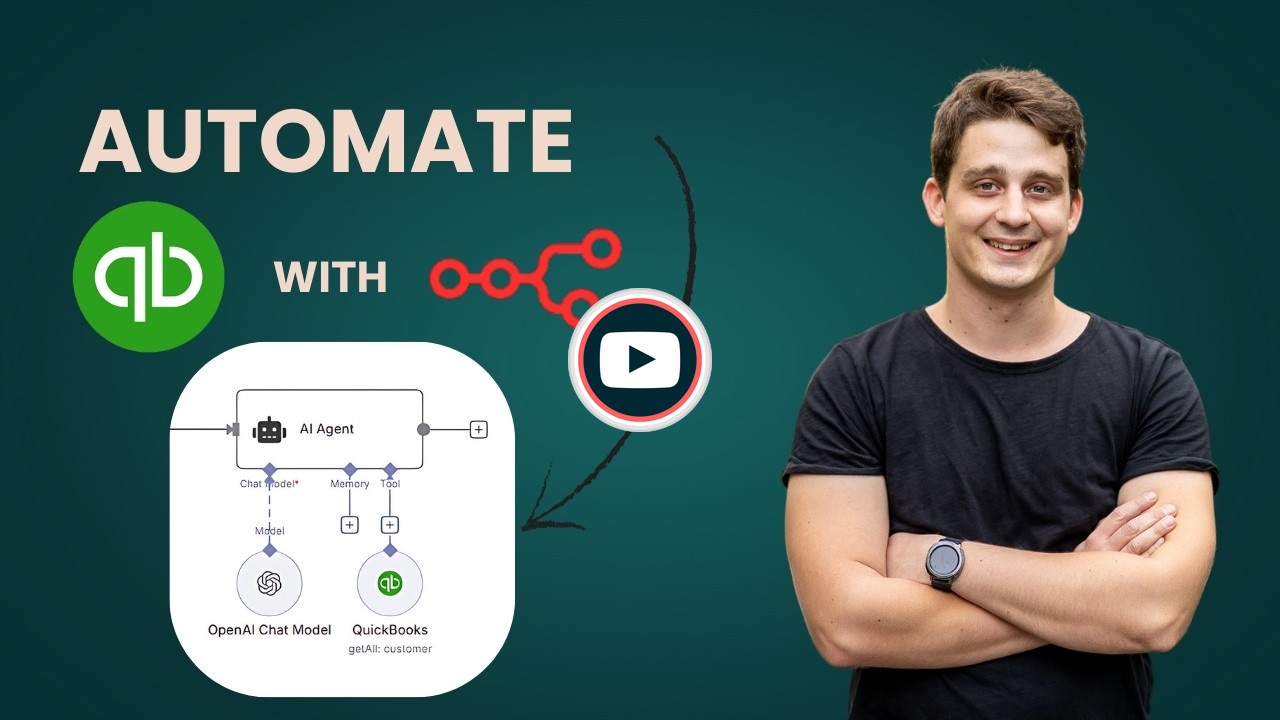](https://youtu.be/mprQ4CY3yn0)"
},
"typeVersion": 1
}
],
"connections": {
"MCP Client Tool": {
"ai_tool": [
[
{
"node": "AI Agent Orchestrator",
"type": "ai_tool",
"index": 0
}
]
]
},
"Public Chat Trigger": {
"main": [
[
{
"node": "AI Agent Orchestrator",
"type": "main",
"index": 0
}
]
]
},
"AI Tool - QBO Customers": {
"ai_tool": [
[
{
"node": "MCP Server - Claude Desktop Bridge",
"type": "ai_tool",
"index": 0
}
]
]
},
"LLM - OpenAI Chat (gpt-4.1-mini)": {
"ai_languageModel": [
[
{
"node": "AI Agent Orchestrator",
"type": "ai_languageModel",
"index": 0
}
]
]
}
}
}
Credentials you'll need
Each integration node will prompt for credentials when you import. We strip credential IDs before publishing — you'll add your own.
openAiApiquickBooksOAuth2Api
For the full experience including quality scoring and batch install features for each workflow upgrade to Pro
About this workflow
[](https://youtu.be/mprQ4CY3yn0)
Source: https://n8n.io/workflows/7842/ — original creator credit. Request a take-down →
Related workflows
Workflows that share integrations, category, or trigger type with this one. All free to copy and import.
Description: Turn your WooCommerce store into a conversational AI assistant — create products, place orders, run reports and manage coupons using natural language via n8n + an MCP Server.
This n8n workflow template uses community nodes and is only compatible with the self-hosted version of n8n.
This workflow runs a chat-based OpenAI assistant in n8n that calls three MCP servers for Google Calendar management, Gmail search and draft replies, and utility tools for weather, currency conversion,
Complete Airtable database management system using MCP (Model Context Protocol) for AI agents. Create bases, tables with complex field types, manage records, and maintain state with Redis storage. Add
This n8n workflow showcases a full-featured AI-powered assistant connected to a Shopify store through a custom MCP (Multi-Channel Commerce Platform) Server toolkit. It empowers users to automate compr