 Milan Vasarhelyi - SmoothWork
 This workflow corresponds to n8n.io template #12955 — we link there as the canonical source.
This workflow follows the Agent → Datatable recipe pattern — see all workflows that pair these two integrations.
The workflow JSON
Copy or download the full n8n JSON below. Paste it into a new n8n workflow, add your credentials, activate. Full import guide →
{
"meta": {
"templateCredsSetupCompleted": true
},
"nodes": [
{
"id": "05d9f7e7-732e-43cf-8fe9-c39d93a883b5",
"name": "New Email Trigger",
"type": "n8n-nodes-base.gmailTrigger",
"position": [
-160,
-96
],
"parameters": {
"simple": false,
"filters": {},
"options": {},
"pollTimes": {
"item": [
{
"mode": "everyMinute"
}
]
}
},
"credentials": {
"gmailOAuth2": {
"name": "<your credential>"
}
},
"typeVersion": 1.3
},
{
"id": "a0e24a38-97a2-4ebb-afb3-e85acb45f4d6",
"name": "Get Knowledge Base Data",
"type": "n8n-nodes-base.dataTable",
"position": [
48,
-96
],
"parameters": {
"limit": 1,
"operation": "get",
"dataTableId": {
"__rl": true,
"mode": "list",
"value": "Djak2vyNWRaYyTiZ",
"cachedResultUrl": "/projects/GIJbF9oCBpV0HnTo/datatables/Djak2vyNWRaYyTiZ",
"cachedResultName": "Customer Support Knowledge Base"
}
},
"typeVersion": 1
},
{
"id": "6519b2ee-0531-486e-9617-c44e698c87b3",
"name": "Get Gmail Labels List",
"type": "n8n-nodes-base.gmail",
"position": [
256,
-96
],
"parameters": {
"resource": "label",
"returnAll": true
},
"credentials": {
"gmailOAuth2": {
"name": "<your credential>"
}
},
"typeVersion": 2.1
},
{
"id": "af7c86e5-b053-4249-a0ad-706ea44b0f91",
"name": "Aggregate Labels Data",
"type": "n8n-nodes-base.aggregate",
"position": [
464,
-96
],
"parameters": {
"include": "specifiedFields",
"options": {},
"aggregate": "aggregateAllItemData",
"fieldsToInclude": "id,name",
"destinationFieldName": "labels"
},
"typeVersion": 1
},
{
"id": "a1b8fbb2-7734-4fad-bcf6-63024c4973d1",
"name": "Email Categorization AI Agent",
"type": "@n8n/n8n-nodes-langchain.agent",
"position": [
672,
-96
],
"parameters": {
"text": "=You are an email assistant for Dunder Mifflin Paper Company (Scranton branch). Your job is to process incoming emails by categorizing them and, when appropriate, drafting helpful responses.\n\n## Your Tasks\n\n### Task 1: Categorize the Email\n\nDetermine if the email fits one of these categories:\n\n- \"existing_order\" - Questions about orders already placed (status, tracking, changes, delivery issues)\n- \"quote_request\" - Requests for pricing or quotes on products\n- \"none\" - Does not fit either category\n\n### Task 2: Draft a Response (if appropriate)\n\nDraft a response ONLY if:\n\n- The question can be answered using the knowledge base provided\n- The email is NOT a complaint, billing dispute, or request for manager\n- You have enough information to give a useful response\n\nIf you cannot provide a useful response (missing information, needs human judgment, outside your knowledge), set draft_response to null.\n\n## Knowledge Base\n\nFind the knowledge base below.\n\n## Label IDs\n\n - Find the Label IDs together with their names below. ONLY add one label and ONLY write the id of that in any tool call.\n\n## Draft Link Information\n\nAfter you create a draft, you will get the draft message id. Then you need to create a link like this:\nhttps://mail.google.com/mail/u/0/#drafts?compose={draft_message_id}\n\nAnd send this as a Telegram notification using the correct tool. ALWAYS SEND IT!\n\n*Label names and IDs*:\n{{ JSON.stringify($json.labels) }}\n\nFull Knowledge Base:\n{{ $('Get Knowledge Base Data').item.json.knowledge_base }}\n\nThe Email to process:\nID: {{ $('New Email Trigger').item.json.id }}\nThread ID:{{ $('New Email Trigger').item.json.threadId }}\nSubject: {{ $('New Email Trigger').item.json.subject }}\nText: {{ $('New Email Trigger').item.json.text }}\n",
"options": {},
"promptType": "define"
},
"typeVersion": 2.2
},
{
"id": "e41713e6-a016-48ce-8beb-f779113f00bc",
"name": "OpenAI Chat Model",
"type": "@n8n/n8n-nodes-langchain.lmChatOpenAi",
"position": [
608,
128
],
"parameters": {
"model": {
"__rl": true,
"mode": "list",
"value": "gpt-5.1",
"cachedResultName": "gpt-5.1"
},
"options": {}
},
"credentials": {
"openAiApi": {
"name": "<your credential>"
}
},
"typeVersion": 1.2
},
{
"id": "d051c34c-f150-4d55-9081-85a9785f1855",
"name": "Create a draft in Gmail",
"type": "n8n-nodes-base.gmailTool",
"position": [
1024,
128
],
"parameters": {
"message": "={{ /*n8n-auto-generated-fromAI-override*/ $fromAI('Message', ``, 'string') }}",
"options": {
"sendTo": "={{ $('New Email Trigger').item.json.from.value[0].address }}",
"threadId": "={{ $('New Email Trigger').item.json.threadId }}"
},
"subject": "={{ /*n8n-auto-generated-fromAI-override*/ $fromAI('Subject', ``, 'string') }}",
"resource": "draft"
},
"credentials": {
"gmailOAuth2": {
"name": "<your credential>"
}
},
"typeVersion": 2.1
},
{
"id": "9232f3c7-6c4e-496c-8011-2dbfb0a36d30",
"name": "Add label to message in Gmail",
"type": "n8n-nodes-base.gmailTool",
"position": [
896,
128
],
"parameters": {
"labelIds": "={{ /*n8n-auto-generated-fromAI-override*/ $fromAI('Label_Names_or_IDs', ``, 'string') }}",
"messageId": "={{ $('New Email Trigger').item.json.id }}",
"operation": "addLabels"
},
"credentials": {
"gmailOAuth2": {
"name": "<your credential>"
}
},
"typeVersion": 2.1
},
{
"id": "2a40a82a-0e15-43b8-aefb-75f283ca8f65",
"name": "Send a text message in Telegram",
"type": "n8n-nodes-base.telegramTool",
"position": [
768,
128
],
"parameters": {
"text": "={{ /*n8n-auto-generated-fromAI-override*/ $fromAI('Text', ``, 'string') }}",
"chatId": "1234567890",
"additionalFields": {}
},
"credentials": {
"telegramApi": {
"name": "<your credential>"
}
},
"typeVersion": 1.2
},
{
"id": "doc-note-1769185385297",
"name": "Workflow Description",
"type": "n8n-nodes-base.stickyNote",
"position": [
-860,
-246
],
"parameters": {
"width": 600,
"height": 1043,
"content": "## Workflow Overview\n\nThis workflow creates an AI-powered email assistant that automatically processes incoming Gmail messages. When a new email arrives, the AI agent categorizes it (such as \"existing_order\" or \"quote_request\"), adds the appropriate Gmail label, and drafts intelligent responses based on your company's knowledge base. You'll receive a Telegram notification with a direct link to review the draft before sending.\n\n### First Setup\n\n**Required Accounts & Credentials:**\n- Gmail account (OAuth2 connection)\n- OpenAI API account for the chat model\n- Telegram bot for notifications\n\n**Initial Configuration:**\n1. Connect your Gmail account to both the Gmail Trigger and Gmail tool nodes\n2. Create a Data Table called \"Customer Support Knowledge Base\" with your business information, pricing, policies, and common responses\n3. Set up your Telegram bot credentials\n4. Configure your OpenAI API credentials\n\n### Configuration\n\n**Knowledge Base:** Customize the Data Table with your company's information, response style guide, product details, pricing, and FAQs. This is what the AI uses to draft accurate responses.\n\n**Telegram Notifications:** Update the chat ID in the Telegram node to your own.\n\n**AI Prompt:** The prompt in the AI Agent node defines categorization rules and when to draft responses. Adjust categories and response criteria to match your needs.\n\n**Polling Frequency:** The Gmail Trigger checks every minute by default. Modify in the trigger settings if needed."
},
"typeVersion": 1
},
{
"id": "contact-note-1769185448256",
"name": "Creator Contact Info",
"type": "n8n-nodes-base.stickyNote",
"position": [
-860,
-706
],
"parameters": {
"color": 5,
"width": 600,
"height": 440,
"content": "# Contact Us:\n## Milan @ SmoothWork - [Book a Free Consulting Call](https://smoothwork.ai/book-a-call/)\n\n\n\n### We help businesses eliminate busywork by building compact business tools tailored to your process.\n### Contact us for customizing this, or building similar automations.\n\n\ud83d\udce7 hello@smoothwork.ai\n\u25b6\ufe0f [Check us on YouTube](https://www.youtube.com/@vasarmilan)\n\ud83d\udcde [Book a Free Consulting Call](https://smoothwork.ai/book-a-call/)\n\ud83d\udcbc [Add me on Linkedin](https://www.linkedin.com/in/mil%C3%A1n-v%C3%A1s%C3%A1rhelyi-3a9985123/)\n"
},
"typeVersion": 1
},
{
"id": "video-note-1769187077818",
"name": "Video Walkthrough",
"type": "n8n-nodes-base.stickyNote",
"position": [
-250,
-706
],
"parameters": {
"width": 420,
"height": 340,
"content": "# Video Walkthrough\n[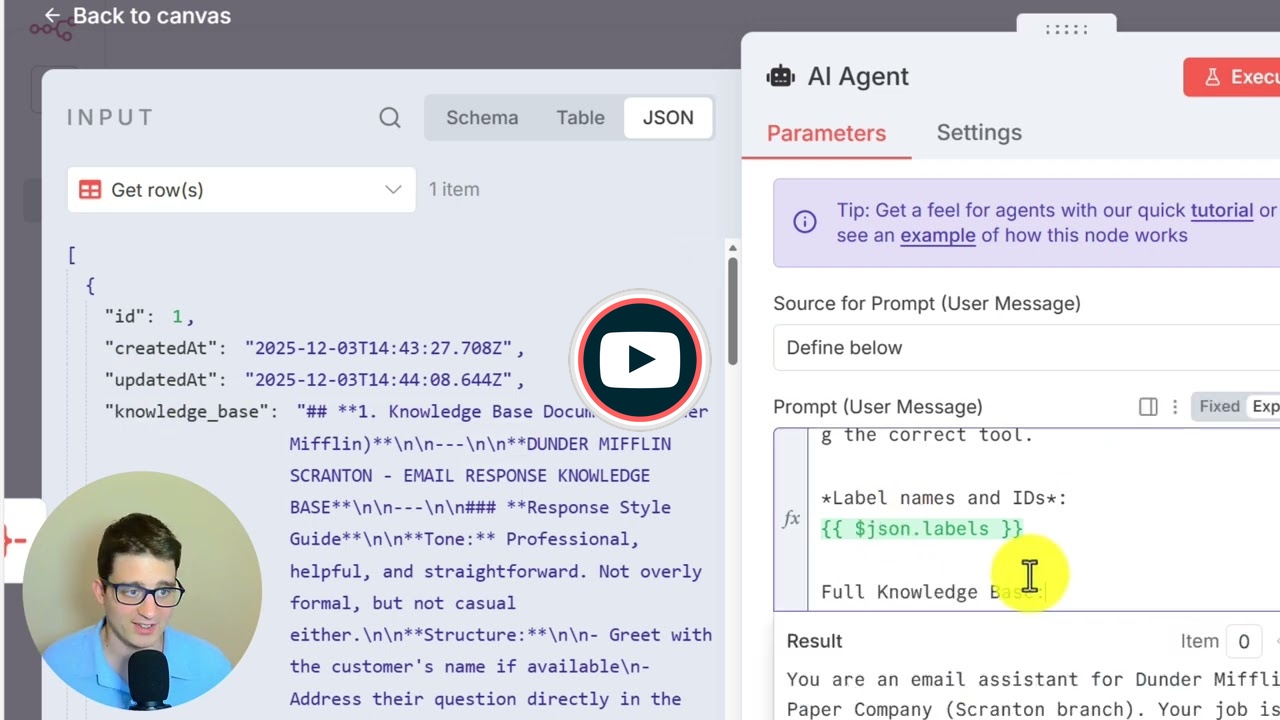](https://www.youtube.com/watch?v=UEcE0cXlQ5g)"
},
"typeVersion": 1
}
],
"connections": {
"New Email Trigger": {
"main": [
[
{
"node": "Get Knowledge Base Data",
"type": "main",
"index": 0
}
]
]
},
"OpenAI Chat Model": {
"ai_languageModel": [
[
{
"node": "Email Categorization AI Agent",
"type": "ai_languageModel",
"index": 0
}
]
]
},
"Aggregate Labels Data": {
"main": [
[
{
"node": "Email Categorization AI Agent",
"type": "main",
"index": 0
}
]
]
},
"Get Gmail Labels List": {
"main": [
[
{
"node": "Aggregate Labels Data",
"type": "main",
"index": 0
}
]
]
},
"Create a draft in Gmail": {
"ai_tool": [
[
{
"node": "Email Categorization AI Agent",
"type": "ai_tool",
"index": 0
}
]
]
},
"Get Knowledge Base Data": {
"main": [
[
{
"node": "Get Gmail Labels List",
"type": "main",
"index": 0
}
]
]
},
"Add label to message in Gmail": {
"ai_tool": [
[
{
"node": "Email Categorization AI Agent",
"type": "ai_tool",
"index": 0
}
]
]
},
"Send a text message in Telegram": {
"ai_tool": [
[
{
"node": "Email Categorization AI Agent",
"type": "ai_tool",
"index": 0
}
]
]
}
}
}
Credentials you'll need
Each integration node will prompt for credentials when you import. We strip credential IDs before publishing — you'll add your own.
gmailOAuth2openAiApitelegramApi
For the full experience including quality scoring and batch install features for each workflow upgrade to Pro
About this workflow
[](https://www.youtube.com/watch?v=UEcE0cXlQ5g)
Source: https://n8n.io/workflows/12955/ — original creator credit. Request a take-down →
Related workflows
Workflows that share integrations, category, or trigger type with this one. All free to copy and import.
Automate your personal productivity with this intelligent n8n workflow that integrates Telegram, Google Sheets, and OpenAI (GPT-4o). This system uses multiple AI agents to manage work hours, tasks, fi
Inbox Guardian. Uses gmailTrigger, lmChatOpenAi, agent, textClassifier. Event-driven trigger; 66 nodes.
Automates SaaS operations by consolidating user management, AI-driven support triage, analytics, and billing into one unified system. User signups flow through registration, support requests route via
This n8n workflow automates sales processes using AI agents integrated with Airtable as a CRM and Gmail for email handling. It consists of two main workflows: one for handling Airtable status changes
An AI-powered Gmail assistant built with n8n that automatically labels emails, learns from your decisions, and safely improves over time using human-in-the-loop training.